Your Portfolio
Performance, risk and positions from your connected brokers.
3 min readIncludes a walkthroughWatchlist, Alerts and Portfolio
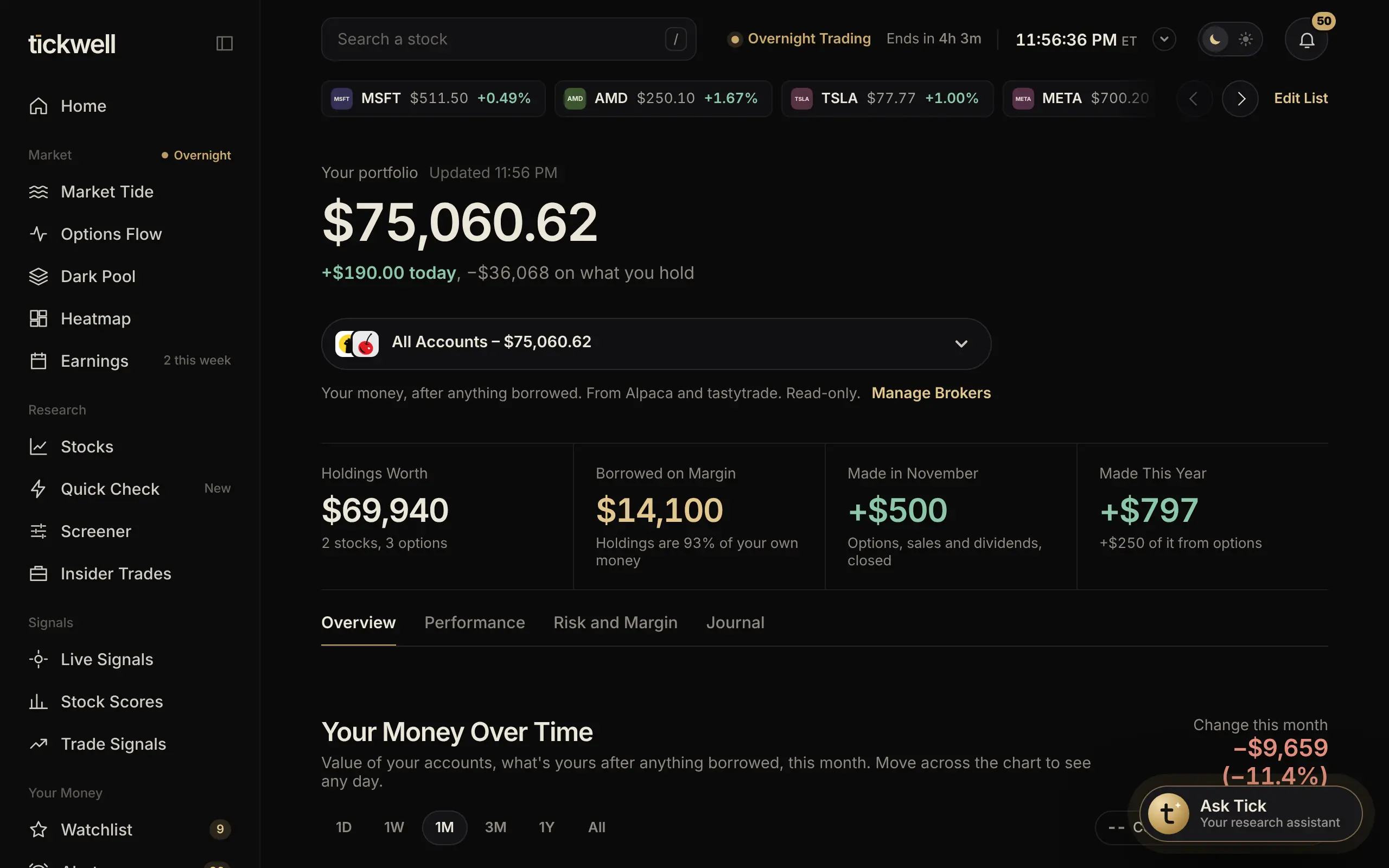
Portfolio shows your real accounts once you connect a broker.
Switching Accounts
With more than one account, the picker next to your balance switches between All Accounts and any single account. Overview, Performance, Risk and Margin, and Journal all follow the account you pick.
The Tabs
- Overview: your balance, today's change, holdings and allocation.
- Performance: how your accounts did over time versus the S&P 500.
- Risk and Margin: concentration, volatility, margin use and buying power.
- Journal: every trade, with notes you add about why.
Your portfolio's move today also shows in the sidebar next to Portfolio.
Was this helpful?