Connecting a Broker
Link your brokerage account in a few steps. It's read-only.
3 min readIncludes a walkthroughConnecting Brokers
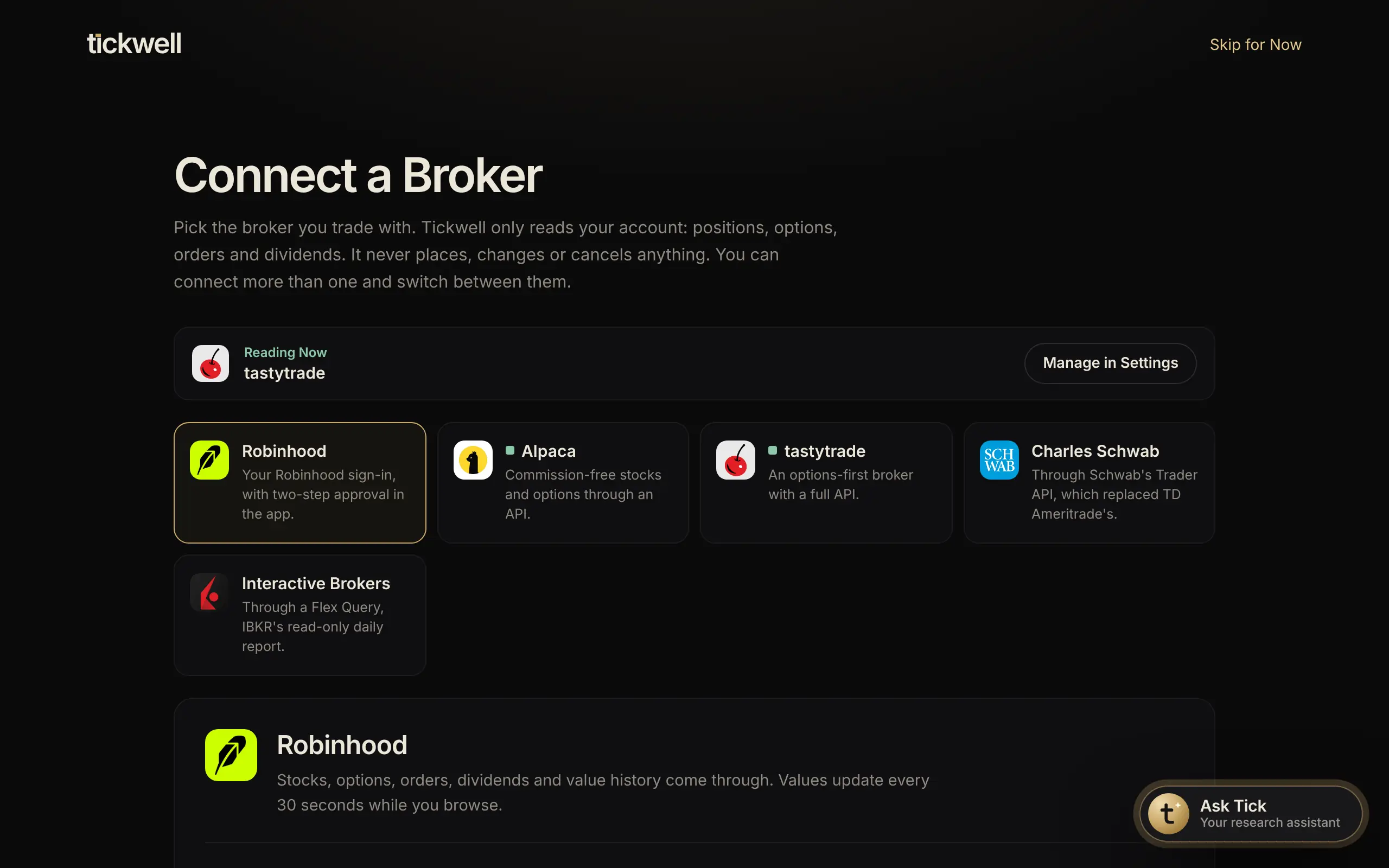
Connecting a broker lets Tickwell show your real positions, balances and history. Tickwell can never place trades or move money.
- Open Connect a Broker, from Portfolio, the sidebar or Settings under Brokers.
- Pick your broker.
- Follow the steps shown for that broker under What You Need: sign in, approve the sign-in in your broker's app, or paste a read-only key.
- Wait a few seconds while your accounts load, then open Portfolio.
To connect another, open the account picker on Portfolio and select Connect Another Broker.
Tip. You can disconnect at any time in Settings under Brokers, or from your broker's own security settings.
Was this helpful?