Your First Five Minutes
Set up your watchlist, alerts and notifications so Tickwell works for you from day one.
4 min readIncludes a walkthroughGetting Started
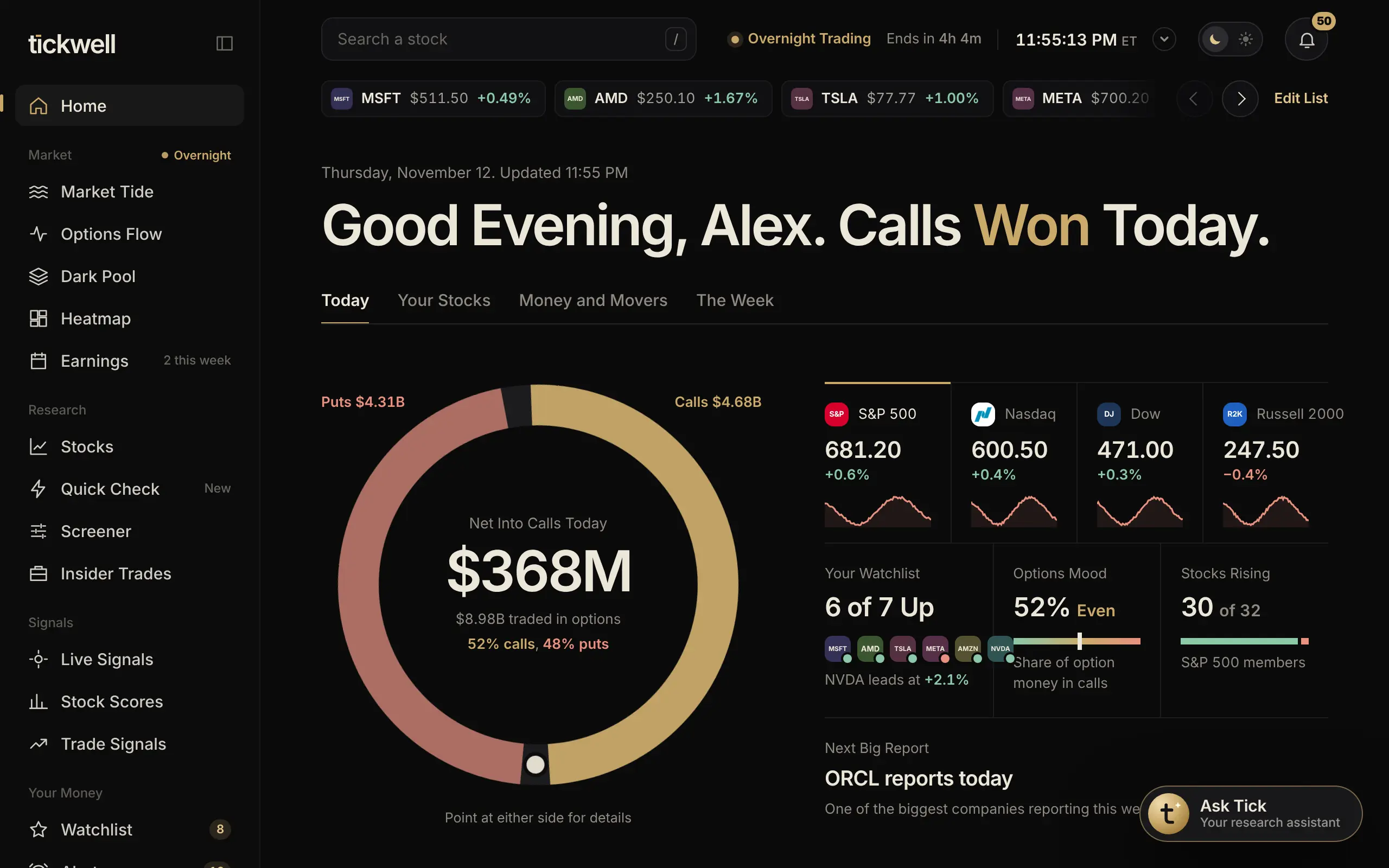
A few small steps make every page more useful, because Home, the ticker strip and your alerts all follow your watchlist.
- Add stocks to your watchlist. Search a stock at the top of any page, open it, and select Add to Watchlist. Add five or more.
- Turn on notifications. Allow notifications when your browser asks, or turn them on in Settings under Notifications.
- Set one alert. On a stock page, select Set an Alert and pick a price. You'll hear about it the moment it hits.
- Connect a broker (optional). If you invest, connect your broker to see your real positions. It's read-only.
- Pick your detail level. In Settings under Profile, choose Keep It Simple, Some Detail or Everything.
Tip. You can replay the guided Tour any time from Help.
Was this helpful?