Inviting Friends
Share your link; your friend gets free time and you earn rewards.
2 min readIncludes a walkthroughAccount and Billing
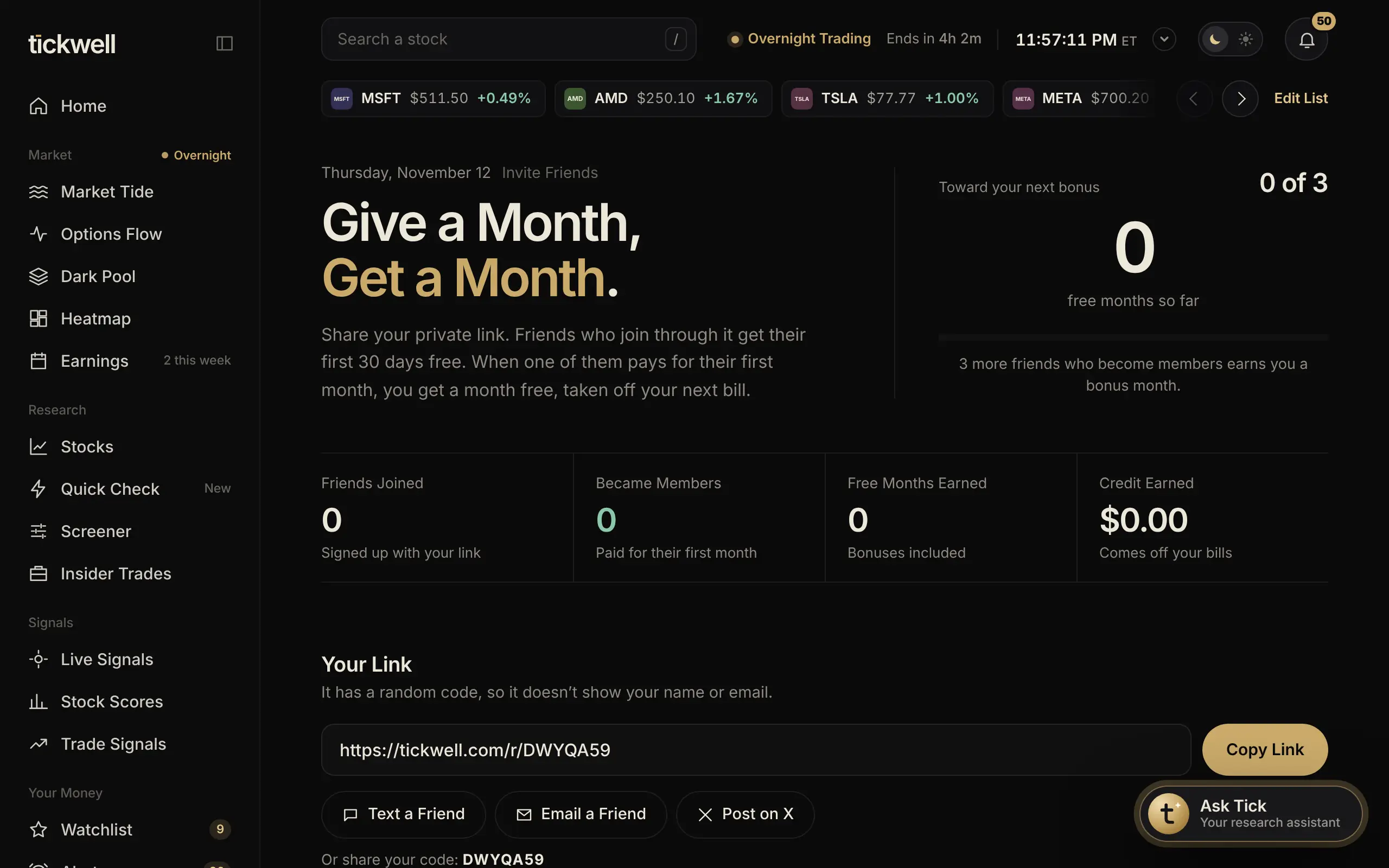
Give a month, get a month. Friends who join through your link get their first 30 days free. When one of them pays for their first month, you get a month free, taken off your next bill, and every 3 friends who become members earns you a bonus month.
- Open Invite Friends from the sidebar.
- Select Copy Link, or use Text a Friend, Email a Friend or Post on X. You can also share your code.
- Track friends joined, members, free months and credit earned on the same page.
Links use a random code and never show your name or email. Friends are listed without names, too.
Good to know. Rewards are for real personal invites. See the invite program rules in our Terms.
Was this helpful?